Keeping Up With the Legislators
A guide on how to stay informed this Legislative Session.

We’re two weeks into the 2026 Legislative Session, and we’ve seen over 1,400 bills (and counting) be introduced. Some of these bills are moving swiftly through the committee process, and as of January 27th, 13 House bills have passed through the House and are awaiting hearings in the Senate.
Below we highlight the features on the WV Legislature’s website that allow us to view bills, track them, make public comments, and watch/listen to the Legislative proceedings.
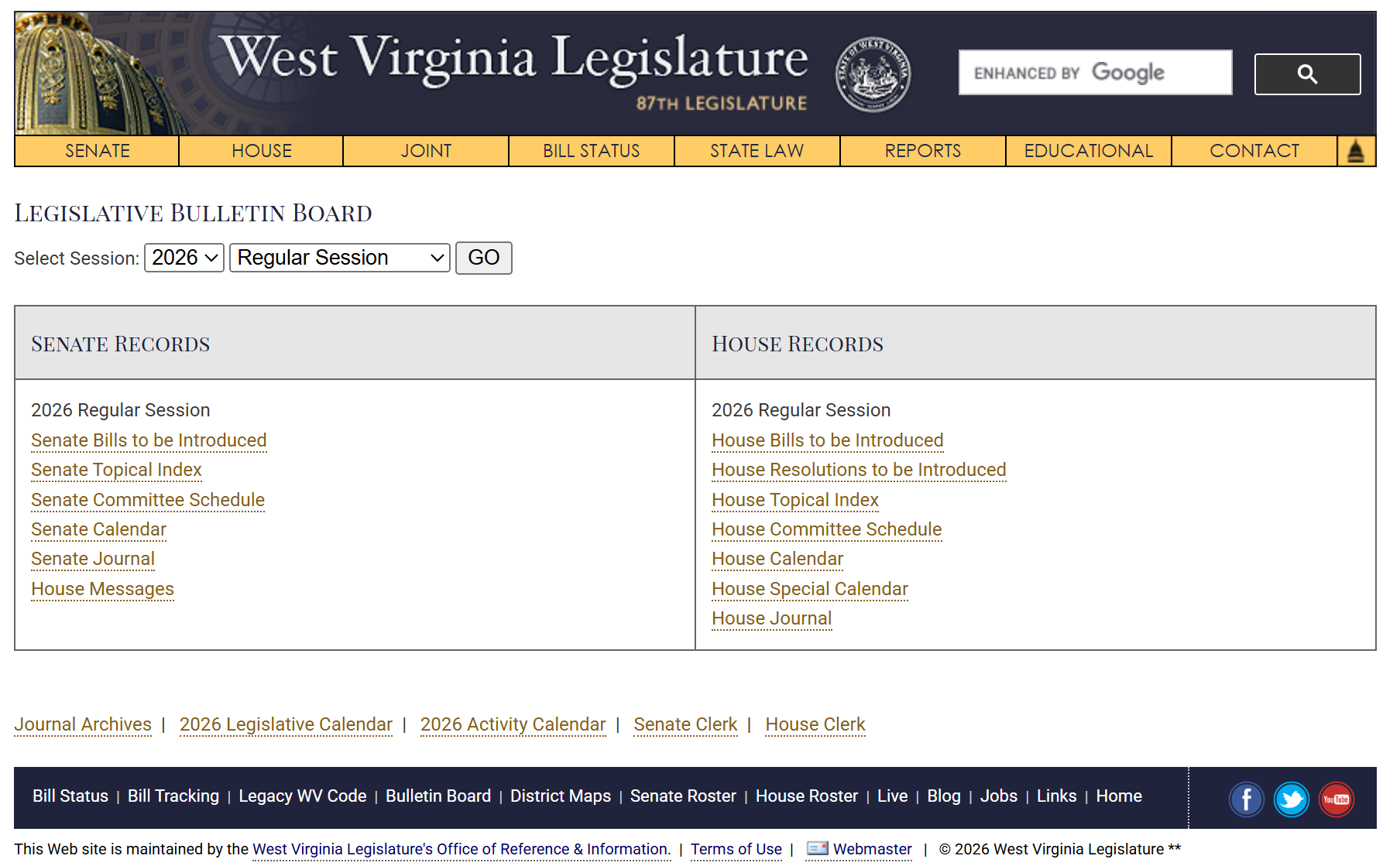
Legislative Bulletin Board
Each day, the House of Delegates and State Senate publish what bills and resolutions will be introduced in each chamber, committee meetings being held, and the schedule of bills that will be read on first, second, and third reading on the floor. The House and Senate journals are also accessible through the Bulletin Board to read about the prior day’s proceedings.
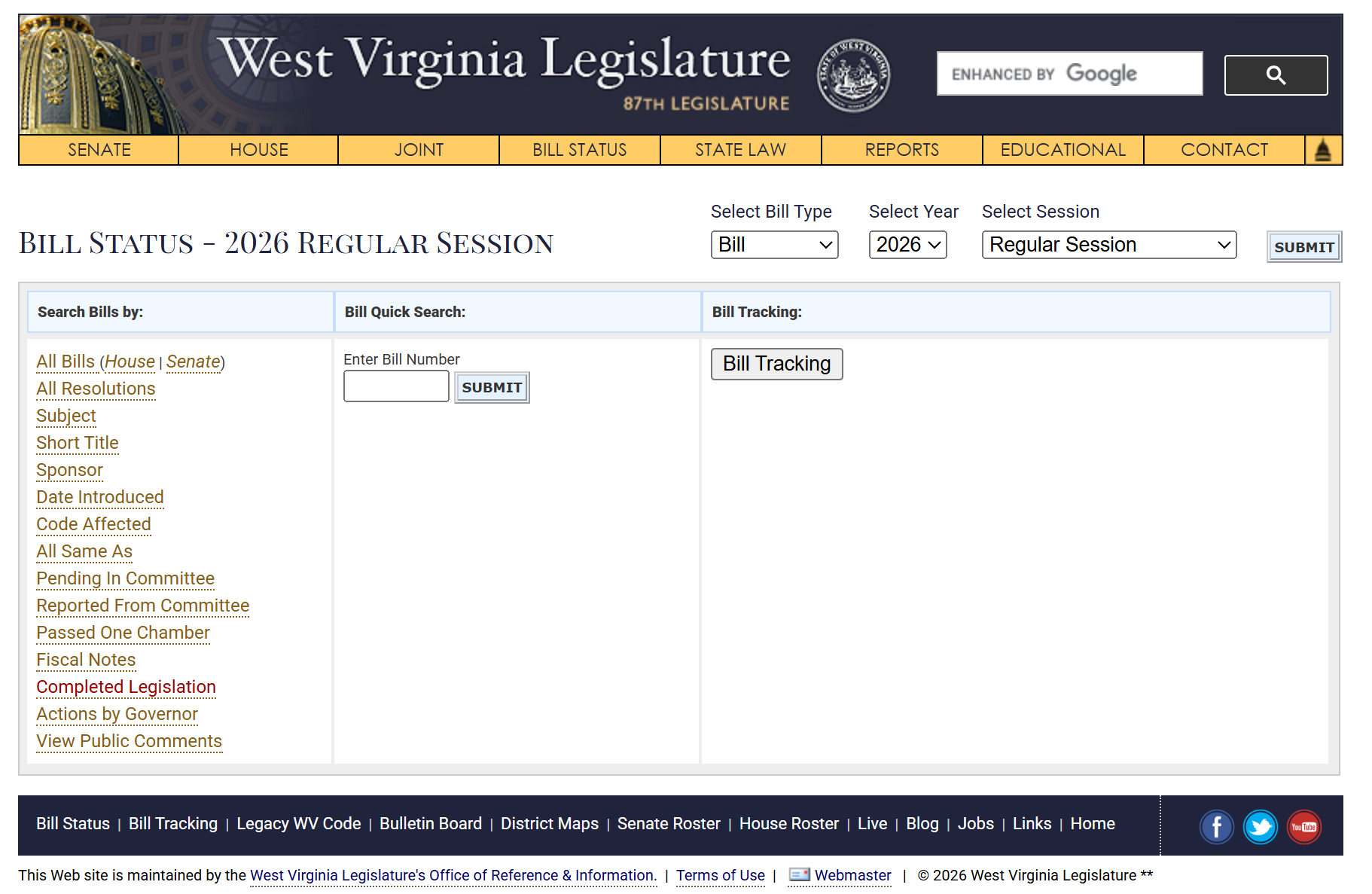
Bill Status
While most of the bills introduced will not see the light of day or pass through any committees, it is important to look at who is introducing the bills, what sections of State Code would be amended or impacted, and any fiscal notes and costs of implementing the bills. The Bill Status page provides the opportunity to view all bills and resolutions that have been introduced, or to search by sponsor, date introduced, code sections affected, and whether they have passed out of committee or through one of the legislative bodies.
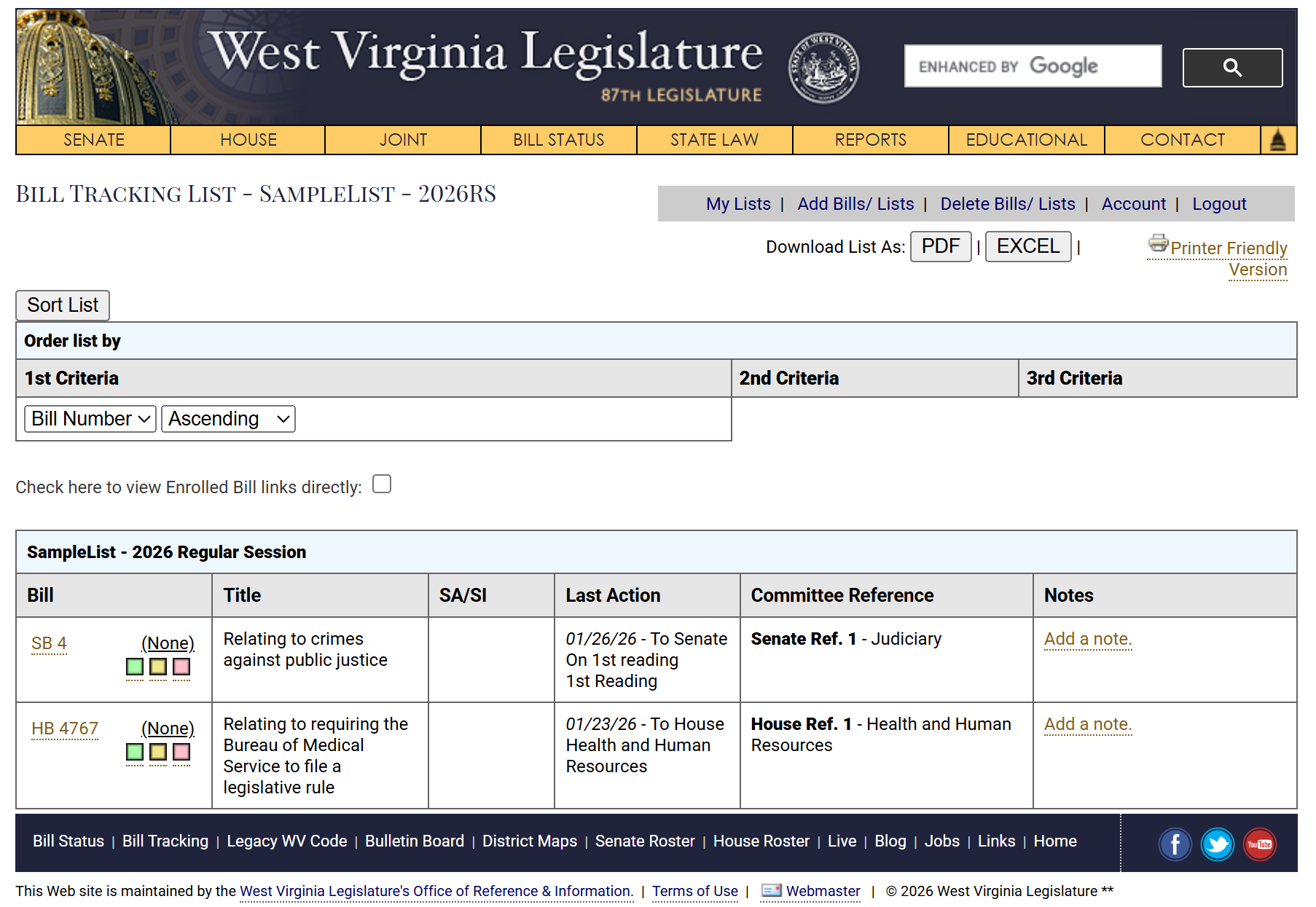
Bill Tracking
For those interested in following bills more closely, the Legislature’s website offers a Bill Tracking feature, allowing users to create an account and track the status of any bill or resolution. Bill Tracking also allows you to create custom named lists of bills you wish to track, such as if you wanted to track all the education related bills or bills introduced by a certain legislator.
How to Make Public Comments on Bills
Introduced last year, the House of Delegates allows public comments to be submitted on any House Bill, or Senate Bills that cross over to the House. With the House eliminating its previous public hearing rules last year, the new committee and subcommittee processes allow for the public to make written comments on any House Bill.
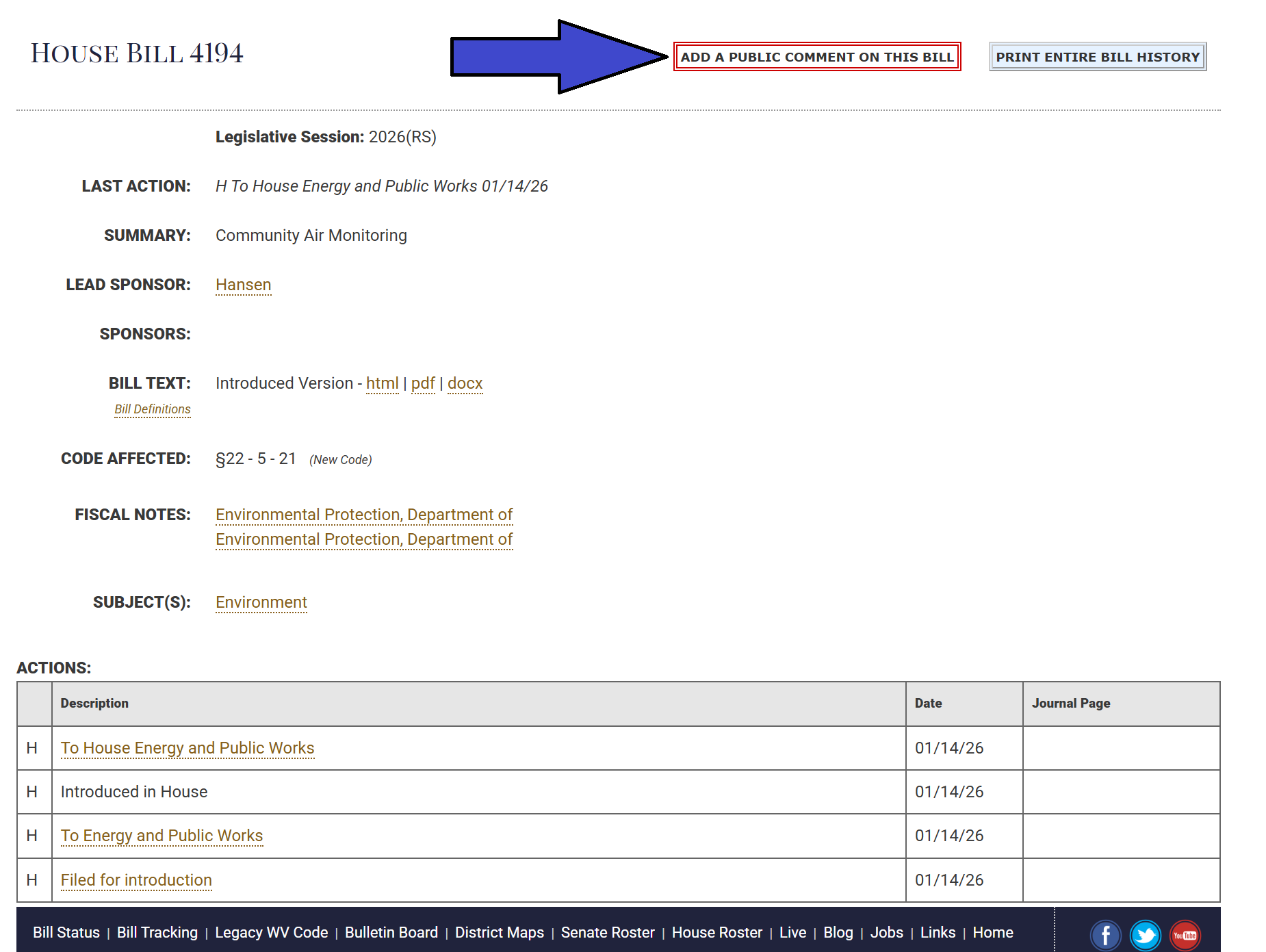
To make a public comment, navigate to the bill you use to comment on and press the button that says “Add a Public Comment to this Bill”
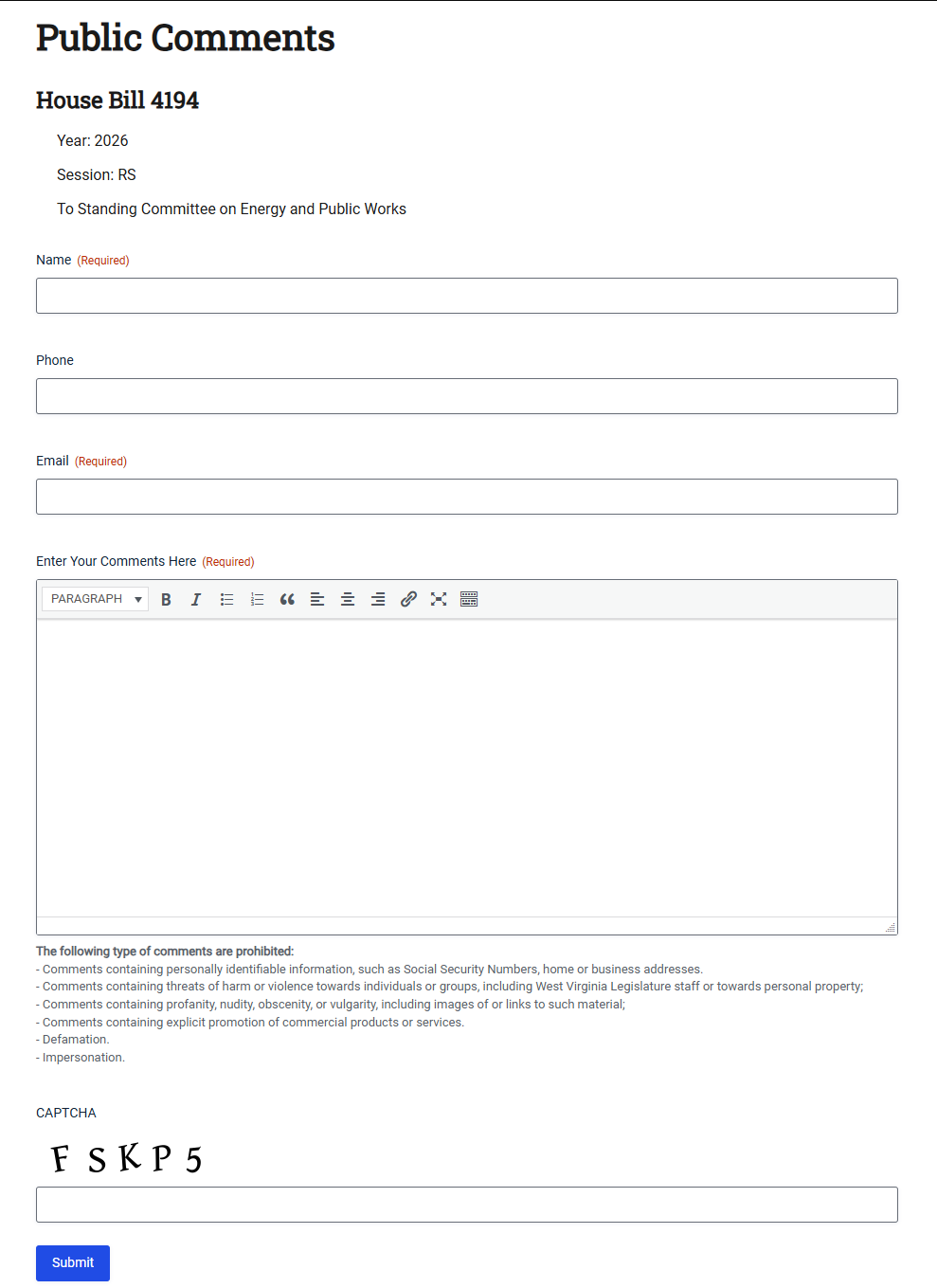
You will then be directed to a form page, where you will make your comments. Your name, email, and comments are the required fields to submit the form. Once you complete the CAPTCHA at the bottom of the form, your comments will be submitted and attached to the bill.
Public comments for all bills can be viewed from the Bill Status page.
How to Watch/Listen to the Legislature
The floor proceedings for the House of Delegates and State Senate can be viewed on YouTube. These streams are continuous and go back to the previous 12 hours of footage.
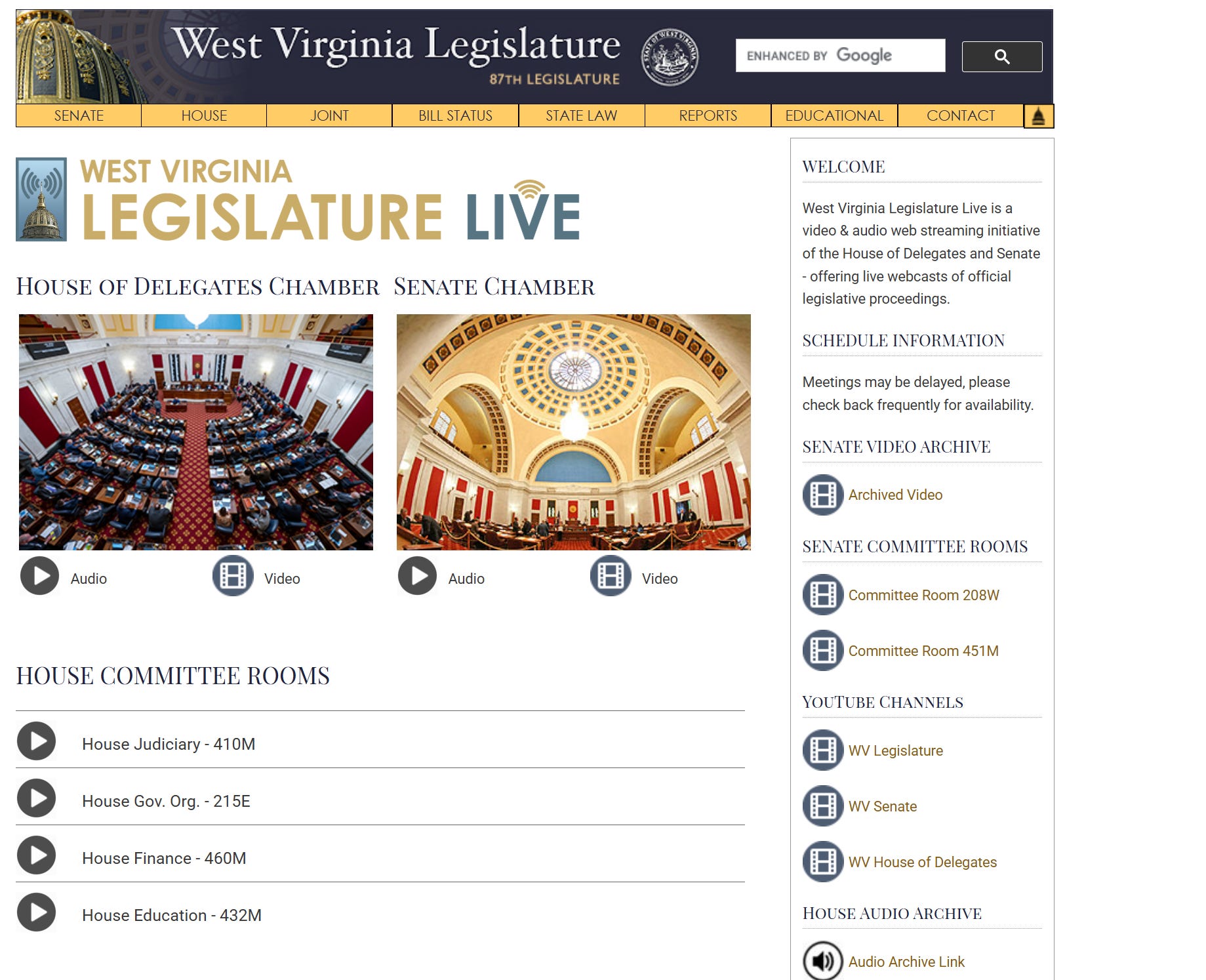
Legislative Video/Audio
The WV Legislature has a dedicated page showing what committees will be livestreamed each day, including the times and locations. Some committees happen in the same rooms, so there can be delays from the stated time in which a committee meeting will begin.
For the State Senate, all audio and video for the committee meetings and hearings is livestreamed and archived. The State Senate also archives all audio and video from the floor sessions.
The House of Delegates only broadcasts the live audio of committee meetings and hearings and archives it, and only archives the audio from the daily floor proceedings. In a fight for transparency, Delegate Kayla Young tried to amend the House Rules to allow for committee meetings to have a video option and for all video from the House to be archived. This failed on the House floor, so for this session, we still only have the House audio archive.